
Can ChatGPT make a Roblox game? It can help you plan the game, write Luau scripts and work through errors. To turn that help into a playable Roblox experience, use Roblox’s creation tools and test the result in the platform.
There are several ways to work: ask a chat assistant for scripts, connect a compatible AI client to Studio, or try Roblox’s own AI creation tools. Each gives the assistant a different level of access to your project.
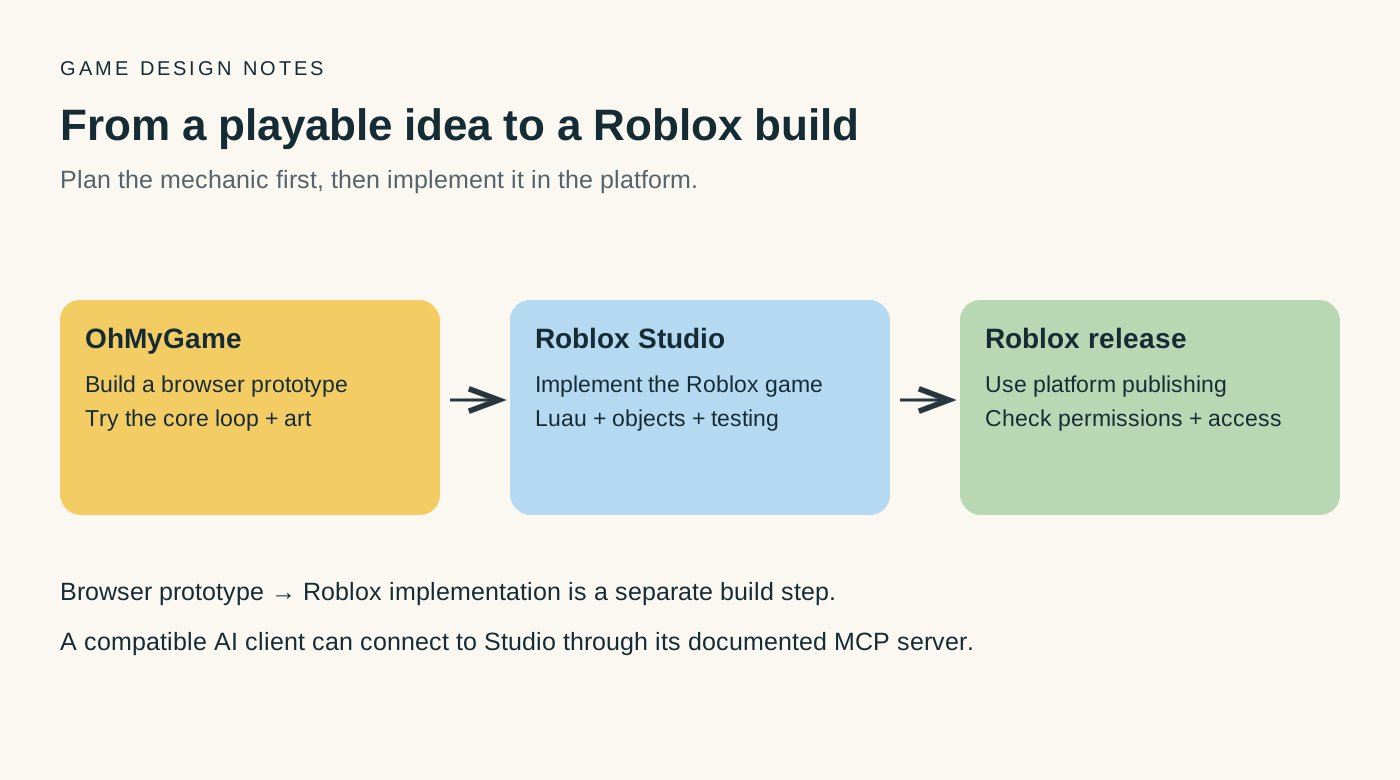
If you want to try the core mechanic before building a Roblox place, OhMyGame lets an agent create the art, write the code and open a playable browser prototype in one project. You keep the editable files. For a Roblox release, build and test the final experience in Roblox Studio.

The short answer
This comparison describes documented workflows. Suggested uses are editorial guidance, not results from a head-to-head benchmark.
| Tool or workflow | What it helps you do |
|---|---|
| OhMyGame | Build assets, code and a playable browser prototype with an agent in one local project; refine the mechanic before implementing it in Roblox Studio |
| ChatGPT or another chat assistant | Plan a game or draft Luau scripts using the project context you provide |
| Roblox Assistant | Create or modify objects and scripts directly in your Studio place, and insert assets from the Creator Store |
| Roblox Studio with a compatible AI connection | Let an agent inspect and edit an open place after the connection is configured |
| Roblox Build | Generate a starter game from a description, if it is available to your account |
| Roblox’s publishing tools | Release a Roblox experience with the required permissions and checks |
Start with one mechanic, such as a checkpoint course or a coin collection loop. You will have a much clearer way to evaluate the assistant than with a request for an entire open-world game.
Level 1: ChatGPT as a Roblox planning and coding assistant
You can keep Studio open while asking ChatGPT to draft a script or explain an error. Give it the relevant object names, script location and expected behavior.
It can:
- turn a vague idea into a short game design document;
- write Luau scripts for coins, checkpoints, doors, shops and leaderstats;
- explain why a script errors;
- propose a data model for inventory, quests or a tycoon;
- generate a test checklist;
- rewrite a system when the first version becomes messy.
In an ordinary chat without project tools, it only has the context you provide. Paste the relevant script and Output message when something fails, then test the suggested change in Studio.
For a small checkpoint course, try a prompt like this:
Act as a Roblox Studio programmer. Build one small obby room with:
- a spawn pad;
- three checkpoint platforms;
- one moving platform;
- a kill brick;
- a finish pad that awards 10 coins once.

Use server scripts for the reward and a LocalScript only for the UI.
Tell me exactly where each script goes in Explorer.
List the properties I need to set, then give me a test checklist.
The object list, script types and test checklist make it easier to place the code and check the result.
Level 2: an AI client connected to Roblox Studio
Roblox Studio now includes an MCP server that lets compatible clients inspect, edit and test an open project. The client needs to support the connection; a ChatGPT conversation does not gain Studio access simply because you ask it to make a game.
Roblox’s documented quick-connect options include Claude Desktop, Claude Code and Codex CLI, among others. Follow the current setup for the client you use and confirm which Studio session is connected.
Try the connection on a small copy of your place. Ask the agent to inspect the relevant objects, make one change and report the test result. Review the change in Studio before extending it to other systems.
Level 3: a starter game with Roblox Build
Roblox Build is Roblox’s mobile-first creation workflow for turning a description into a starter game. Roblox describes a shared workflow with Studio, so a creator can iterate on the generated result and continue with Studio’s editing tools. Access is subject to Roblox’s rollout.
If Build is available to your account, use it to explore a small idea. Check the generated controls, objective and ending, then decide what needs a manual edit or a more detailed script.
Choosing a free Roblox AI game maker
To create a Roblox game with AI, start with the part you need help building: a script, a scene or a complete starter game. For a coin collection mechanic, for example, you need a server-side reward, visible feedback and a check that the same coin cannot be collected twice.
For changes inside Studio, Roblox Assistant is a practical starting point: it can create and modify scripts and objects, and find assets to insert into your place. Roblox Studio is free to use. Check the limits of the AI features you need separately, along with any paid assets or external model services.
When choosing a free AI for Roblox Studio, try one small task before committing to a workflow:
- Ask it to add the coin mechanic to a copy of your place, using the object names already in the project.
- Check where the code was added and whether rewards are handled by the server. A chat-only tool will need you to place its scripts yourself.
- Play, respawn and try collecting the same coin again. Use the Output log to ask for a focused correction if a test fails.
If you want to explore the mechanic and its visual style first, OhMyGame keeps generated assets, implementation and playtests in one editable local project. Its app is free; connected model services have their own costs. Take the resulting browser prototype as a design reference when building the Roblox version in Studio.
What’s better for Roblox AI development: ChatGPT or Claude?
Choose by the task and the connection you can use. The table below describes how to compare the workflows; it is not a measured ranking of model quality.
| Task | What to compare | Practical choice |
|---|---|---|
| Explore the core loop before the Roblox build | Can you play the idea, change a rule and keep the code? | OhMyGame for a separate browser prototype with assets, implementation and playtests together |
| Explain a Luau error | Does the answer identify the cause from your script and Output log? | Try the assistant you already use with the same example |
| Build a small mechanic | Does it explain object names, script types and placement? | Keep the result you can run and understand |
| Work directly in Studio | Can the client inspect, edit and test your active place? | Use a documented connection; Claude clients are listed in Roblox’s quick-connect guide |
| Review a change | Does it catch respawn, repeated rewards and client/server mistakes? | Compare suggestions against a Studio test |
ChatGPT can be useful when you want an explanation or a script draft in a familiar chat workflow. Claude can be convenient if you already use a supported Studio connection. The specific model version, available tools and project context affect the result, so test one representative task before changing your setup.
A realistic ChatGPT-to-Roblox workflow
1. Define one playable loop
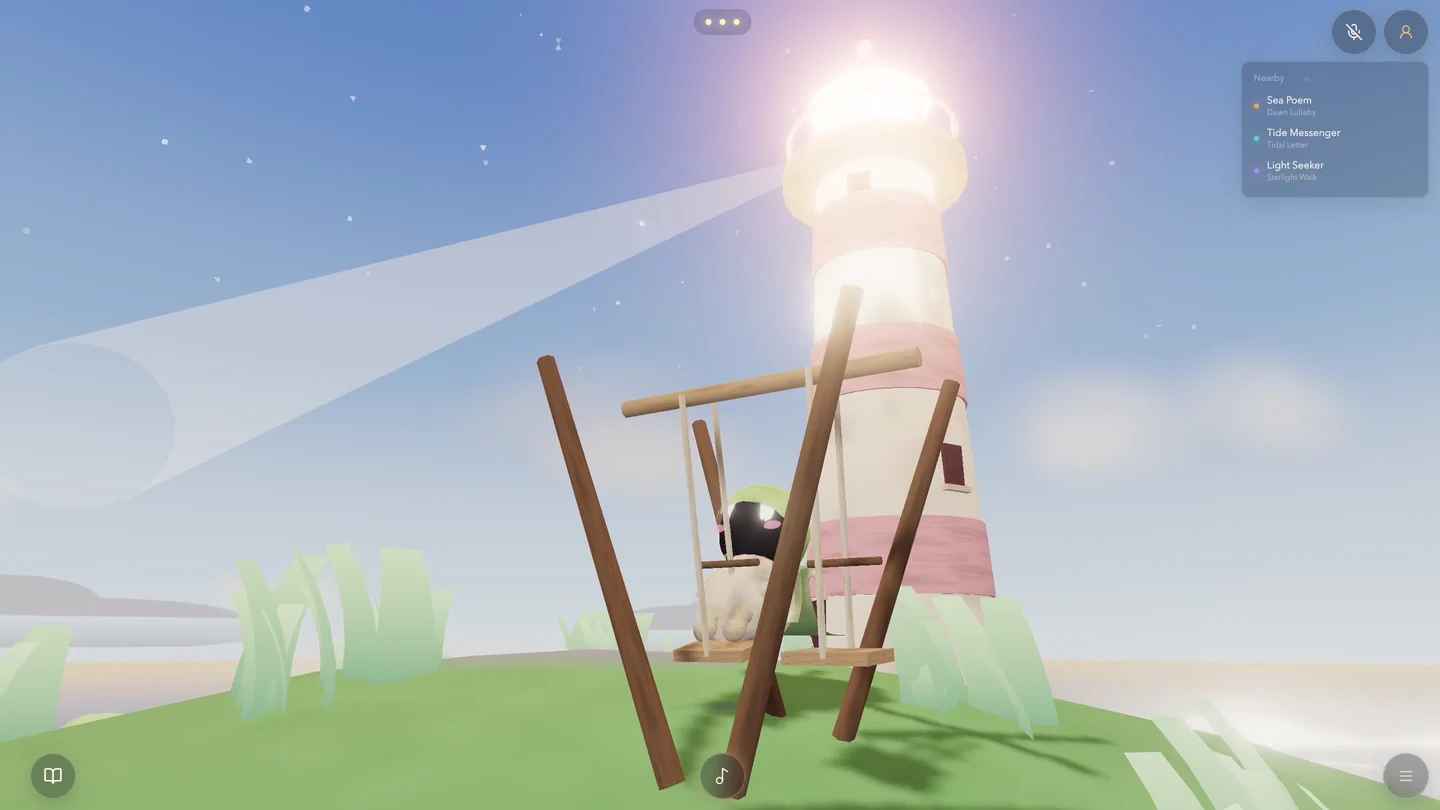
For example: players spawn on an island, collect three batteries, power a lighthouse and unlock a boat. This gives you a route and an ending to test.
Write the win condition, the fail condition and what the player repeats. Keep the first place to one map and one mechanic.
2. Build the greybox in Studio
Place the spawn, the route, the obstacles and the finish before asking for art or advanced scripts. A greybox reveals whether the idea is understandable.
3. Ask for one system at a time
Add coins first, test collecting them, then connect the shop. Working in small steps makes it easier to locate a problem when a later system changes earlier behavior.
4. Make the AI explain its assumptions
Ask:
- Which object names does this script expect?
- Which script type is this, and where does it go?
- What happens on the first join and on respawn?
- What should I see in Output if it works?
5. Test in a real Studio session
Press Play and test respawn, reset, leaving and rejoining. For multiplayer behavior, use a multi-client Studio test so you can check both players’ views and the server result.
6. Let someone else play the first version
Watch someone who has not seen the project. Check whether they find the first objective and understand the reward. Use that feedback to adjust the first room or its instructions before adding another system.
What to verify before publishing
Check object names and script placement, reward behavior after respawning, and which actions are handled by the server. Confirm that a second player can join and that saved progress behaves as expected.
A connected agent may help run tests, but you should still inspect its changes and play the experience yourself. Use Roblox’s current documentation for publishing requirements and the APIs your project depends on.
Try the core idea in OhMyGame
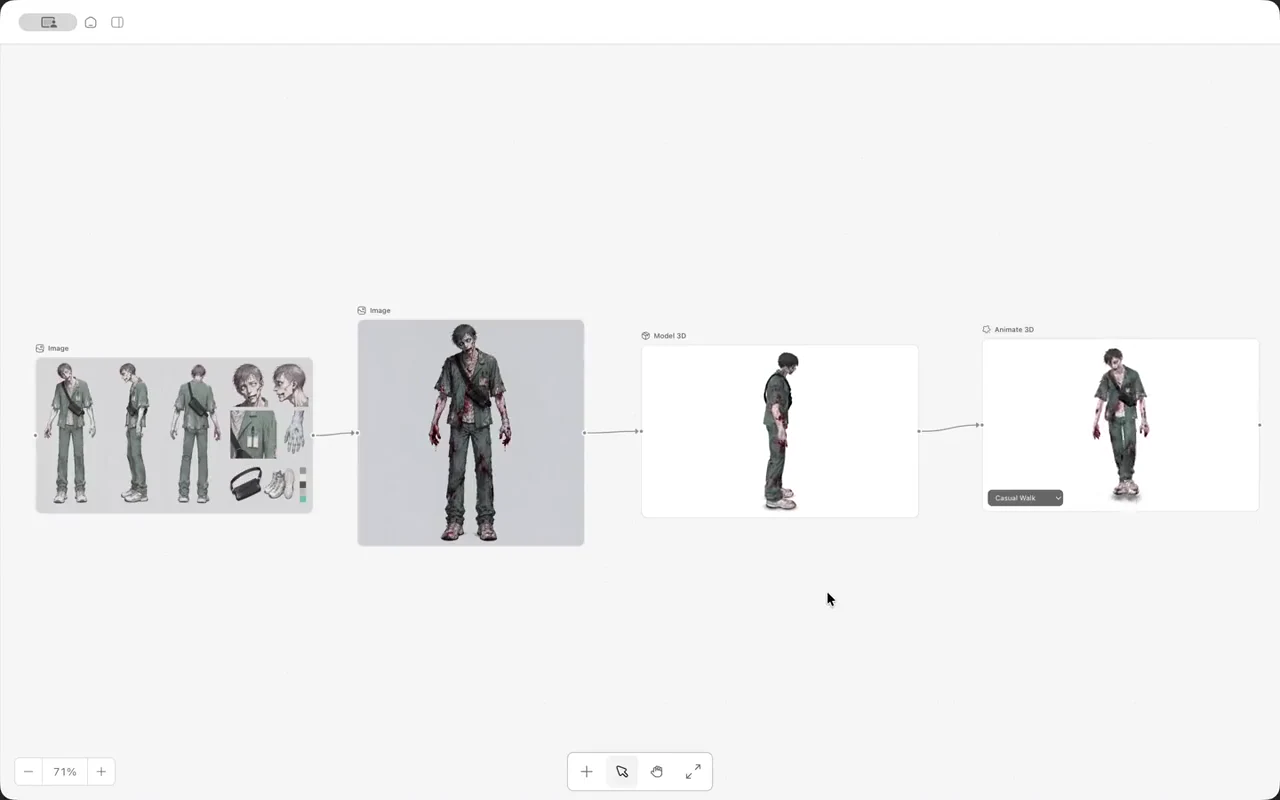
An AI game maker such as OhMyGame can help you try the core mechanic in a separate browser prototype. Keep the design notes, generate characters and props, ask the agent to build the loop, and open the game for a test in the same project.
That makes it easier to change the idea while it is still small: try a different reward, shorten the course or adjust the objective, then share a playable link for feedback. The project files stay on your computer, and the app is free and open source. A browser prototype still needs to be implemented in Roblox’s tools if Roblox is your final target.
FAQ
Can you make a Roblox game with AI?
Yes. AI can help plan mechanics, draft Luau, generate a starter experience or work through a supported Studio connection. Choose the workflow you can access, then test the game and complete Roblox’s publishing steps.
Can ChatGPT make a Roblox game for free?
You can use the access available in your chat plan to ask for scripts and explanations. Studio is available at no upfront cost. Additional model services and optional Roblox resources may have their own costs.
Can I use ChatGPT inside Roblox Studio?
Check the client and connection you intend to use. Ordinary chat does not automatically control Studio. Roblox’s documentation lists supported ways for compatible clients to connect to the built-in MCP server.
Should I switch from ChatGPT to Claude?
First compare one task you do often, such as fixing a checkpoint script. Include the same code and error log. Switch if the resulting workflow is easier to test and maintain, rather than on the basis of a general model ranking.
Which AI generates Roblox games for you?
Roblox Build can generate a starter game from a description when it is available to your account. Assistant works on objects and scripts in a Studio place, while a compatible MCP client can act through the Studio connection. Use the generated result as a first version: play it, check its rules and finish the publishing steps. A free Roblox AI generator still needs to be evaluated on what it produces, which files you can edit and the usage limits that apply.